
Use it with the field guides
Review one fictional cable from both ends. Check its identity, endpoint addresses, wording, installed readability, and maintained record before closing a labeling job.
- I cannot identify the other cable end
- Patch-panel and port labels do not match
- The label does not fit or the text is too small
- The physical label and system record disagree
Fictional identifiers and original teaching diagrams. Apply the site’s approved naming convention and change procedure. This video does not certify standards compliance, establish link performance, or authorize a disconnection.
Chapters
Choose a chapter to read its transcript. Each time link opens that moment on YouTube.
- 0:00 Could you trust this label?
- 0:17 01 Labeling only one end
- 0:42 02 Names that leave you guessing
- 1:11 03 Copying HERE and THERE
- 1:41 04 A label you cannot read
- 2:13 05 Updating only the cable
- 2:41 The check before you finish
- 3:03 One cable. Two ends. One record.
Full transcript
Read or save the Markdown transcript. Published .
Could you trust this label?
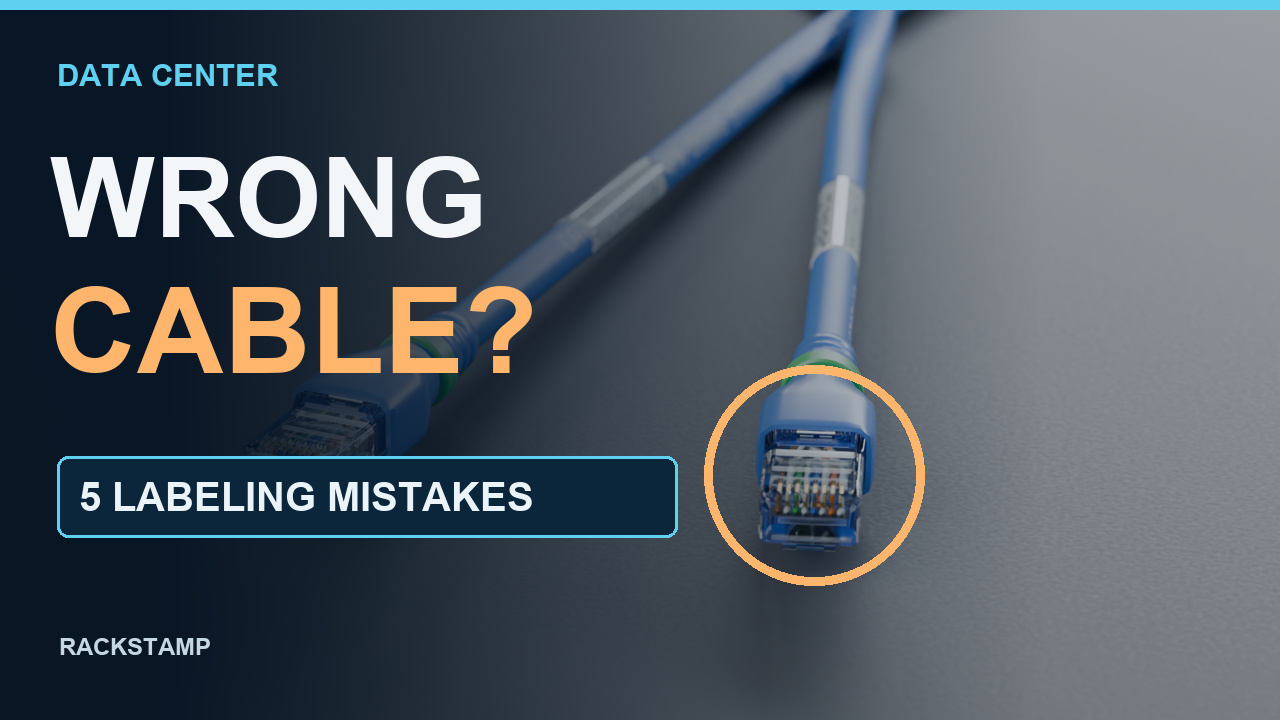
0:00 on YouTube ↗A cable label can look perfectly clear and still send you to the wrong port. In a data center, the useful question is: can someone else identify this exact connection? Here are five common labeling mistakes, and the fixes that make your records more trustworthy.
01 Labeling only one end
0:17 on YouTube ↗Mistake one: labeling only one end. A neat tag at the first rack does not identify the cable at the other rack. Label both ends using the same cable identity and the endpoint information your site requires. Then check the pair against the physical connection. In this example, two labels belong to one cable. They are not two separate cable records.
02 Names that leave you guessing
0:42 on YouTube ↗Mistake two: vague names, or the same identifier on different cables. Server cable and port seven leave too much unresolved. Use your site's documented naming scheme. Our fictional example identifies the rack, panel, and port, and gives the physical cable its own identifier. Keep leading zeroes consistent. Before printing a batch, check that an identifier has not already been assigned to another cable in the same scope.
03 Copying HERE and THERE
1:11 on YouTube ↗Mistake three: copying the same here and there text onto both labels. At the opposite end, here has changed. If your format uses local and remote fields, reverse those addresses while keeping the cable identity consistent. If it uses fixed endpoint roles instead, keep those roles tied to the same endpoints. Choose one convention, document it, and preview both labels together. Mixing the two conventions creates believable mistakes.
04 A label you cannot read
1:41 on YouTube ↗Mistake four: a label that exists but cannot be read. Tiny print, hidden orientation, and unsuitable material defeat the purpose. Check readability from the installed viewing position. Select the label construction for the cable diameter and environment, following its instructions. A self-laminating wrap needs room for its print zone and protective tail. A suitable flag can provide another reading surface. Do not cover connector releases or strain-relief features.
05 Updating only the cable
2:13 on YouTube ↗Mistake five: changing the connection but leaving the old record behind. After an approved move, reconcile the endpoint text, both labels, and the maintained cable record. Retire superseded information and capture who verified the change. If the observed port and the record disagree, record the conflict and refer it to the responsible owner. Do not guess which one is correct, or move a live connection just to make the spreadsheet match.
The check before you finish
2:41 on YouTube ↗Before you finish, ask: are both ends identified, are the addresses specific, do the words mean the same thing to every reader, is the print usable, and does the record match? These example identifiers illustrate a method, not a universal required format. Correct identification supports planning; it does not authorize a disconnection.
One cable. Two ends. One record.
3:03 on YouTube ↗Make the next person's job easier. Identify the cable, verify its endpoints, and maintain the record. Save this checklist for your next labeling review.
Primary references
These references support the labeling and recordkeeping concepts. Historical guidance and manufacturer label specifications have their own scope; the fictional identifiers are examples.
- Corning: The Network Team’s Guide to Data Center Infrastructure: Labeling and Documentation ↗
Both cable ends, local/remote termination identity, consistent naming and maintaining records during changes. Historical manufacturer guidance; its 606-B reference is not presented as the latest edition.
- Fluke Networks: Cable Labeling Best Practices, Circa 2017 ↗
Readable, durable identification and labels at both ends. Historical best-practice guidance, not a current clause-by-clause standards interpretation.
- Panduit: Laser/Inkjet Labels, self-laminating polyester labels (page 5) ↗
Label constructions have cable-diameter ranges, print zones, overlaminates and intended applications. No universal label size or endorsement is inferred.
- NetBox documentation: Cables ↗
Cable identity, labels and physical terminations are separate record attributes; changing a label alone does not establish a physical connection.
Original script and diagrams; existing user-owned Blender cable assets and camera animation; synthetic English narration. No new geometry or source asset edits.