01 / RACK IDENTITY
One location. Two faces.
Keep the same scoped rack identity at the front and rear. Name the face explicitly.
RACK / FRONTDC01/H1/A-07
Read the rack-face guide ↗
THE RACKSTAMP WORKBENCH / 01
Explore the DC42 in 3D, adapt its records, and take a coordinated label pack with you.
01 / SEE IT IN CONTEXT
Select a labeling point to see what the label needs to connect.
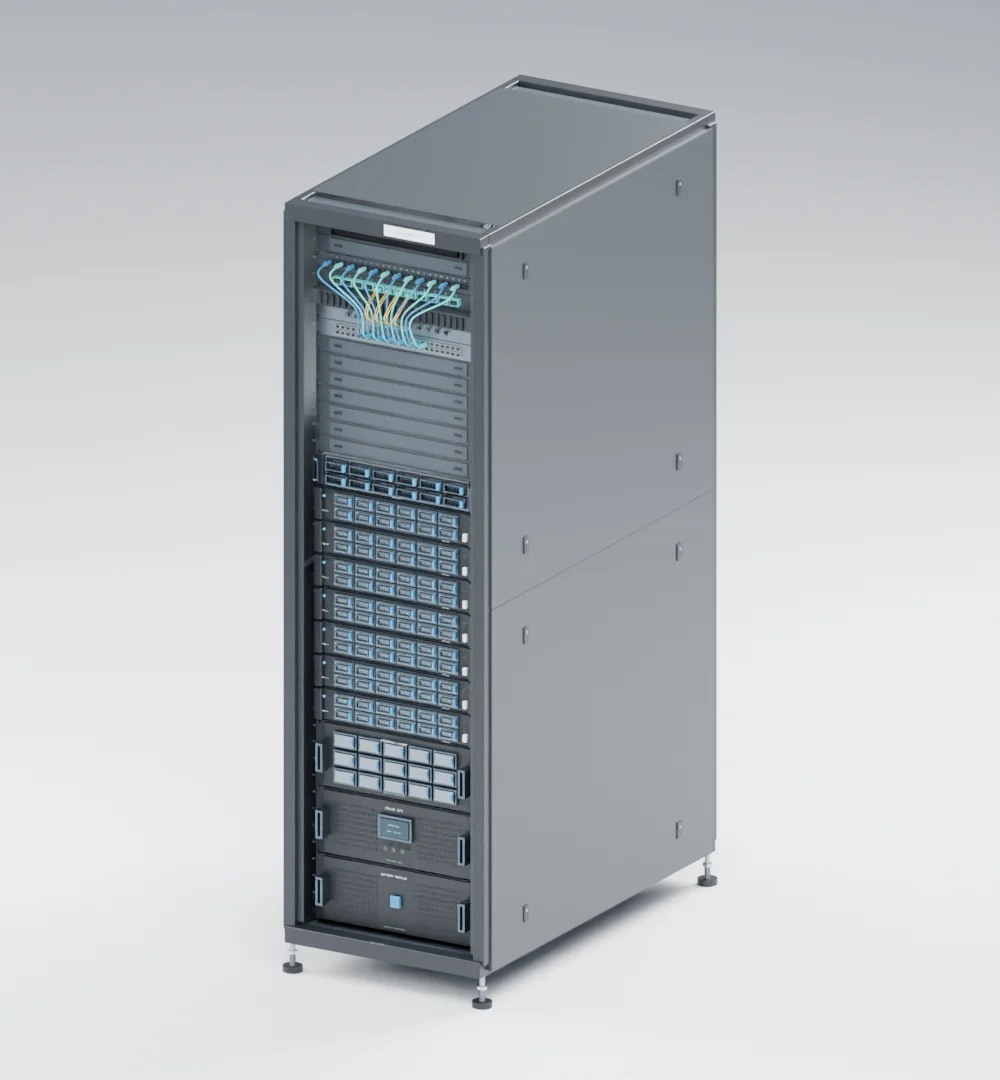
The rendered preview is ready. 3D loads only when you choose it.
FIVE LABELING POINTS
01 / RACK IDENTITY
Keep the same scoped rack identity at the front and rear. Name the face explicitly.
The actual DC42 model, with removable doors omitted for visibility. Fictional example; the model stays fixed when you edit your project. Watch the narrated rack tour ↗
02 / MAKE IT YOURS
Eight server footprints and 40 modeled connections give you a worked starting point. Replace them with your own records, or start blank.
Your entries stay in this tab. Save a project to resume later; a refresh clears unsaved changes.
03 / REVIEW & EXPORT
The draft pack keeps the same identifiers across every file. Its field checks start as Pending.
The generated labels will appear here.
A screen preview is illustrative. Exported CSVs contain text for your label software; they are not sized printer templates.
Download without opening 3D or entering any data.